Quipnex Website: Figma Design to Webflow
Company
Quipnex
Quipnex is a cutting-edge Laboratory Information Management System (LIMS) and Electronic Lab Notebook (ELN) built for R&D teams in materials science, chemistry, and quality control. The client's lead designer provided complete Figma designs for their marketing website. My role was to translate those designs faithfully into Webflow — and then go further, designing and implementing the micro-interactions, scroll animations, and a bespoke logo animation that brought the brand philosophy to life in motion.
Scope of Work
Project Brief
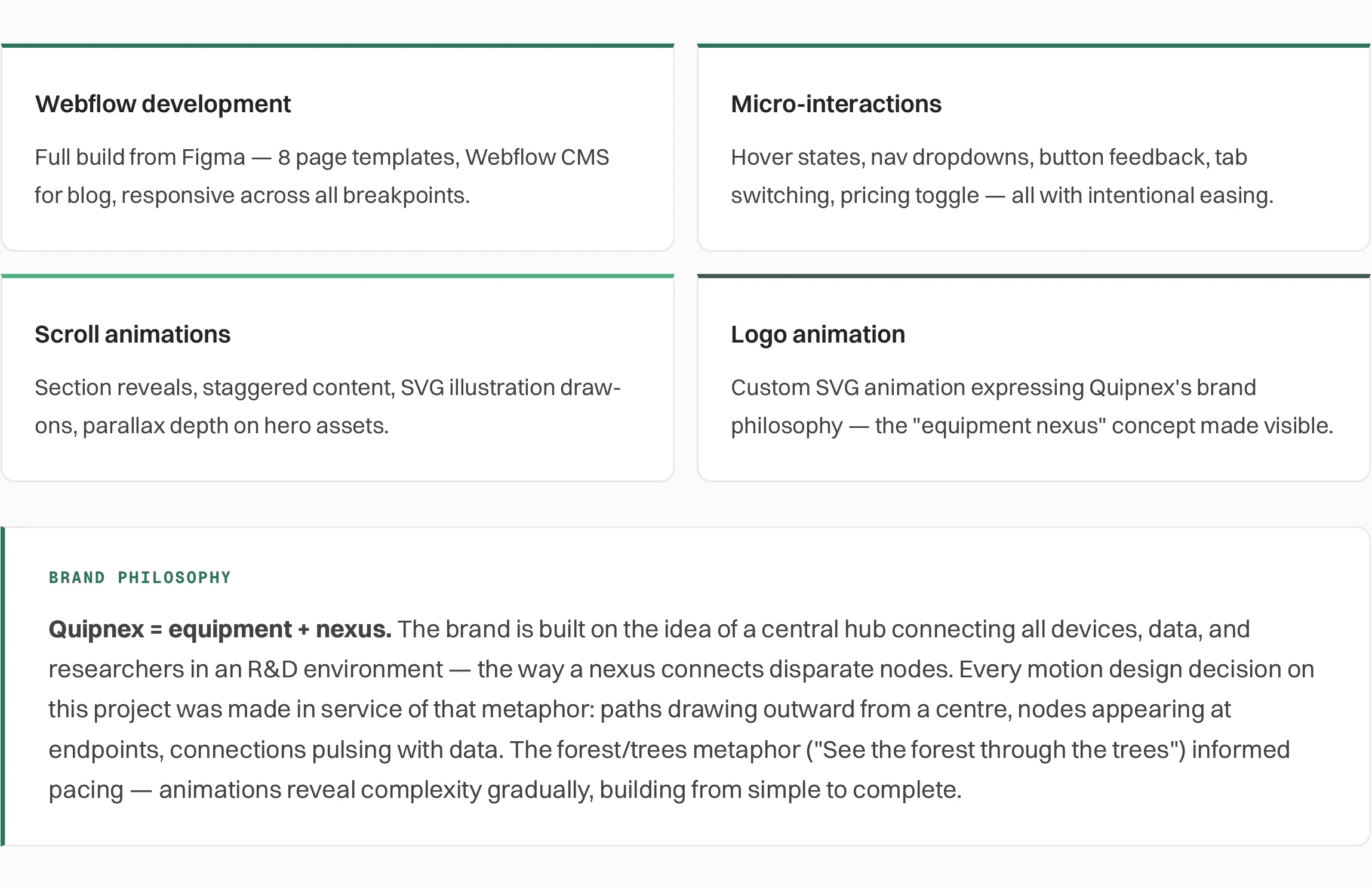
What I was asked to build: Quipnex had a complete visual design in Figma produced by their in-house lead designer. The brief was to develop the full website in Webflow with pixel-accurate fidelity to the design, responsiveness across all breakpoints, and a layer of motion design that the static Figma files couldn't convey — micro-interactions, scroll-triggered animations, hover states, and a custom logo animation that expressed the brand's core concept.
Development approach
The Figma file was thorough — component library, typography system, colour tokens, and responsive layouts for all major breakpoints. My development process started with a complete audit of the design system before touching Webflow.

Micro-interactions and animations
The static Figma files showed how the site should look. My job was to define how it should feel — the pacing of reveals, the personality of hover states, and the narrative arc of the logo animation. All motion was designed to reflect Quipnex's brand character: precise, scientific, purposeful, with a quiet sense of complexity elegantly resolved.
Logo animation
The logo animation begins with the full Quipnex logo before transitioning into the simplified “Qx” mark. The “x” pulls toward the left while the middle section gradually fades out, leaving the Qx mark as the final state.
The animation runs for approximately 1.5 seconds and was created using After Effects and Lottie, then implemented in Webflow with precisely timed animation interactions.
Navigation dropdown — staggered item reveal
The navigation uses hover-triggered progressive disclosure to reveal deeper content without overwhelming the primary navigation. As users hover over a top-level item, the corresponding menu expands into view, exposing relevant pages and content while maintaining a clear visual hierarchy.
Subtle cues: rotation of arrow next to navigation link, colour change of the link, and the scaling of guide the transition between states, making the interaction feel responsive while helping users understand the relationship between each navigation category and its underlying content.
Scroll-triggered section reveals
The hero section illustration moves while scrolling, whereas the other illustrations on the page animate when scrolled into view.
Micro-interactions
Throughout the website, I introduced a system of subtle micro-interactions to make the experience feel more responsive, intuitive, and engaging without competing with the content.
CTA buttons use responsive hover and transition states to provide immediate feedback and reinforce their clickability. FAQs use smooth expand-and-collapse interactions to progressively reveal information while keeping the page compact and scannable.
For content-heavy sections, I used a sticky media-and-content interaction where the visual remains anchored while the accompanying content scrolls. As users move through each content block, the media within the sticky container transitions to reflect the active section, creating a stronger connection between narrative and visual context.
The About page hero uses another lightweight interaction: hovering over team members reveals their names contextually, allowing the imagery to remain clean while still providing identifying information when needed.
Together with smaller transitions, hover states, reveals, and scroll-based interactions throughout the site, these details create a cohesive motion language that guides attention, communicates state changes, and adds moments of discovery across the experience.
Tools and technology stack
Figma
Webflow
Adobe After Effects
Lottie files
CSS
JS
Key technical decisions
Webflow IX2 for all scroll-triggered animations and most hover interactions — keeps animation tied to the Webflow visual layer without external dependencies.
I used a Lottie animation with Webflow’s native scroll-based keyframe controls to create the logo transition. This provided granular control over the animation’s progression.
Custom CSS for a small number of interactions like the navigation links, active state of the tab and the navigation link in sync within the product and solutions page where IX2's easing options were too limited.
Webflow CMS for blog and dynamic product pages — gives the Quipnex team full content ownership without developer dependency.
SVG illustrations served inline where animation is applied, as external files where static — minimises DOM complexity without sacrificing performance.